

Setup
Whatsapp Error: You have already linked the maximum number of phone numbers allowed for this Business Account. Delete a phone number to continue or request additional numbers
1 min read Updated 16 February 2026
You have already linked the maximum number of phone numbers allowed for this Business Account. Delete a phone number to continue or request additional numbers error.
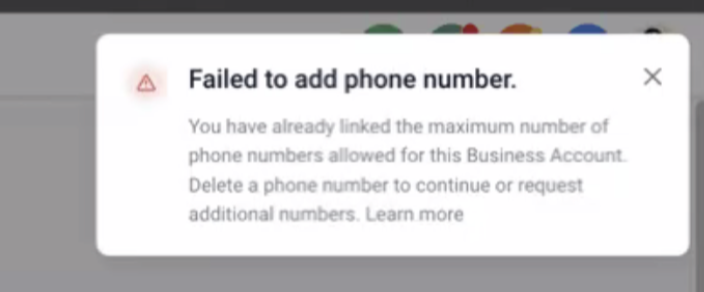 Solution:The max phone number limit is not specific to a WABA but rather applies to the business portfolio. Business portfolios initially allow up to 2 registered business phone numbers, but this limit can be increased to a maximum of 20. If your business is verified or if you initiate 1,000 or more business conversations within a 30-day period using templates with a high-quality rating.Allso we can ask the customer to check if their business portfolio has already linked 2 phone number (Business portfolio -> waba -> phone numbers) or screenshot as well to confirm the same.If that then only 2 phone numbers are allowed to be they can disconnect the other number in the business portfolio and use the new one.
More in Setup
- How to Enable WhatsApp in your account?
- WhatsApp FAQs
- Marketing Opt-out Button to Your Message Template
- WhatsApp - Workflow Integration
- Important Update: : WhatsApp Marketing Messages to U.S. Numbers Paused Starting April 1, 2025
- Important Update: WhatsApp Marketing Templates Pause in the U.S. Starting April 1, 2025
- WhatsApp 30 Days Free Subscription Trial Promotion
- WhatsApp Onboarding Failure: “Please create a new WhatsApp Business Account since a payment method already exists for the current WhatsApp Business Account”
- How to troubleshoot Failed to send OTP to verify Whatsapp number on the sub-account
- Whatsapp Error: Business account is restricted from messaging users in this country
- Whatsapp Error: Your WhatsApp Business account is locked. To unlock your account, visit Business Support Home
- Whatsapp Error : You have requested code too many times. Please try again later.