

Calendars
Disable Google Organic Booking
1 min read Updated 23 May 2024
How to Disable Integration?
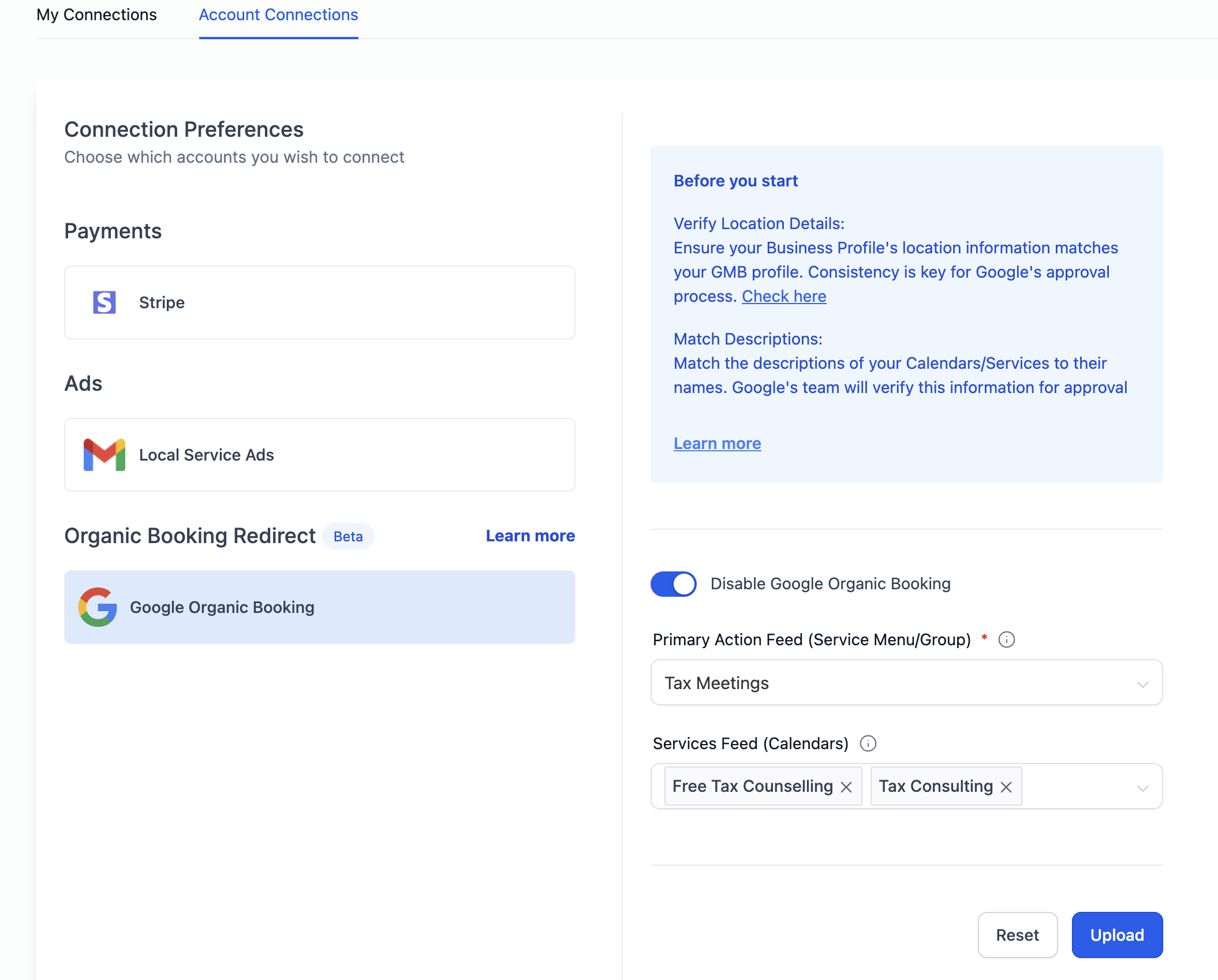
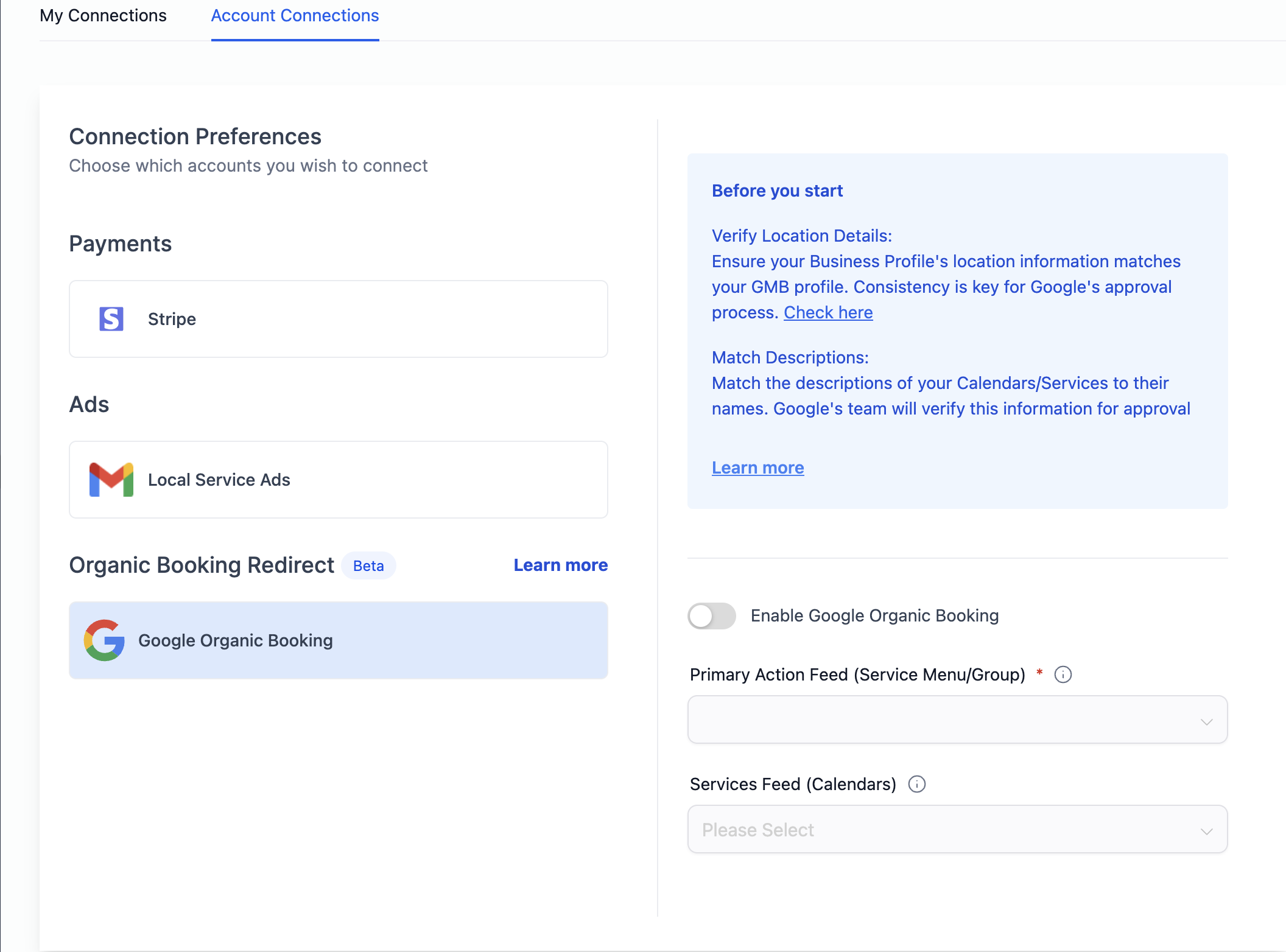
Users have the option to disable Google Organic Booking with a simple toggle in Calendar Settings. By disabling the integration, the system refrains from uploading any feed to Google. Consequently, the end customers won't find the option to discover and book services directly from a business's Google My Business (GMB) listing.
To disable the integration:
- Navigate to Calendar Settings > Connections Tab
- In the Account Connections tab, locate the Google Organic Booking section.
- Toggle the switch to disable Google Organic Booking.
More in Calendars
- How to set up a Calendar for Classes?
- How to Add/Change/Remove Calendar Widget Logo?
- How to configure Staff Member selection in Round Robin Calendars?
- LSA - Reserve with Google Integration
- iCloud Integration with Open Doors
- Booking Redirect with Google
- Service Calendar
- Service Menu
- Rooms and Equipments
- How to create Rooms?
- How to create Equipments?
- In App Calendar view