

Gamification - Points, Badges and Leaderboard
Setting up Gamification
Gamification levels are pre-defined. Maximum levels are set to 9.
- As a group admin, user can edit the Level Names. To do this, go to Settings > Gamification & Rewards > Gamification > Click to edit the relevant level name.
- Make sure to hit the SAVE button.
How do levels and points work?
Points are earned when others like your posts, comments, and replies. 1 like = 1 point for the post or comment author.
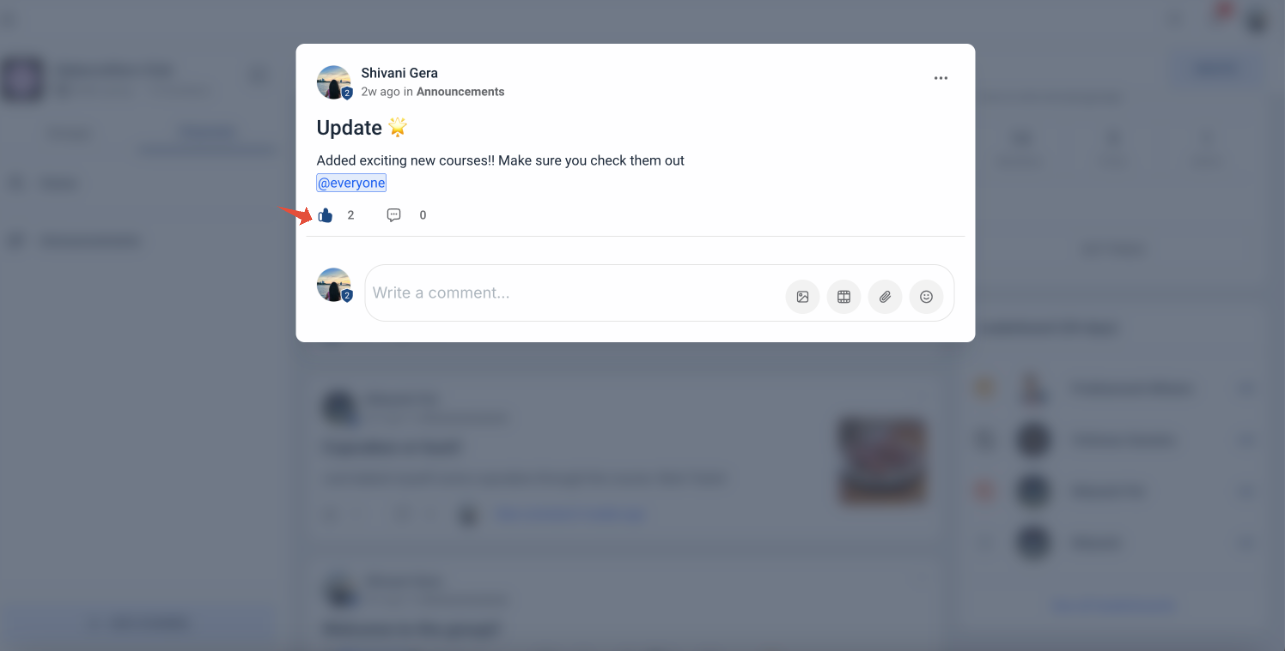
Number of points required to reach a certain level:
Level 1 - 0 pointsLevel 2 - 5 pointsLevel 3 - 20 pointsLevel 4 - 65 pointsLevel 5 - 155 pointsLevel 6 - 515 pointsLevel 7 - 2015 pointsLevel 8 - 8015 pointsLevel 9 - 33015 points
After reaching a level:
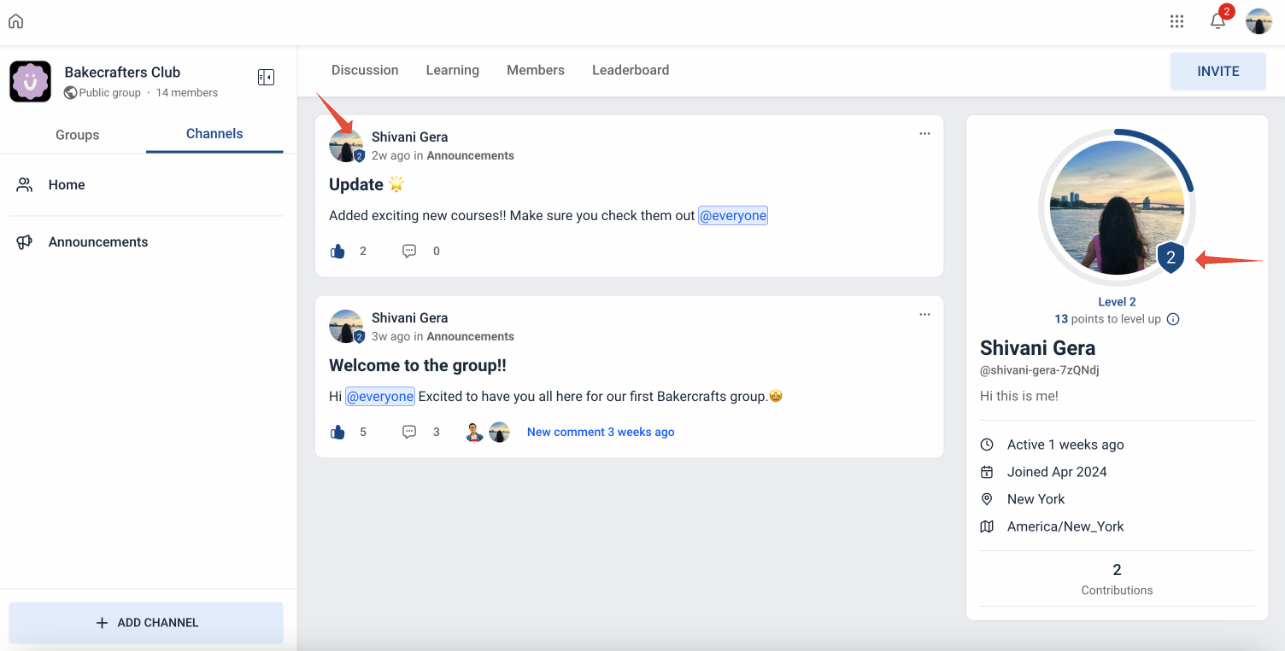
- A member's profile badge will reflect their current level.
- Users can accordingly see the points required to reach the next level
- The circular progress bar is completed after a level is reached
Note that the member levels are at the group level. A member at level 3 will be at that level in that particular group. If they join another group, they will start at level 1, like all new members.
 Leaderboard
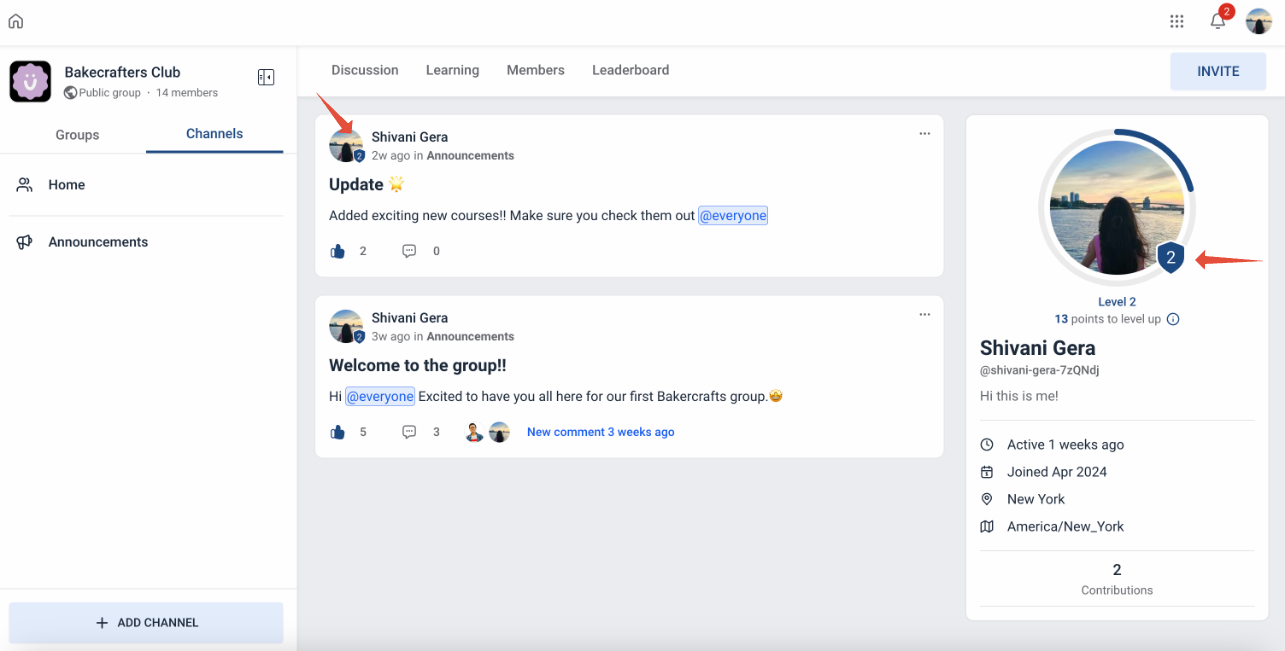
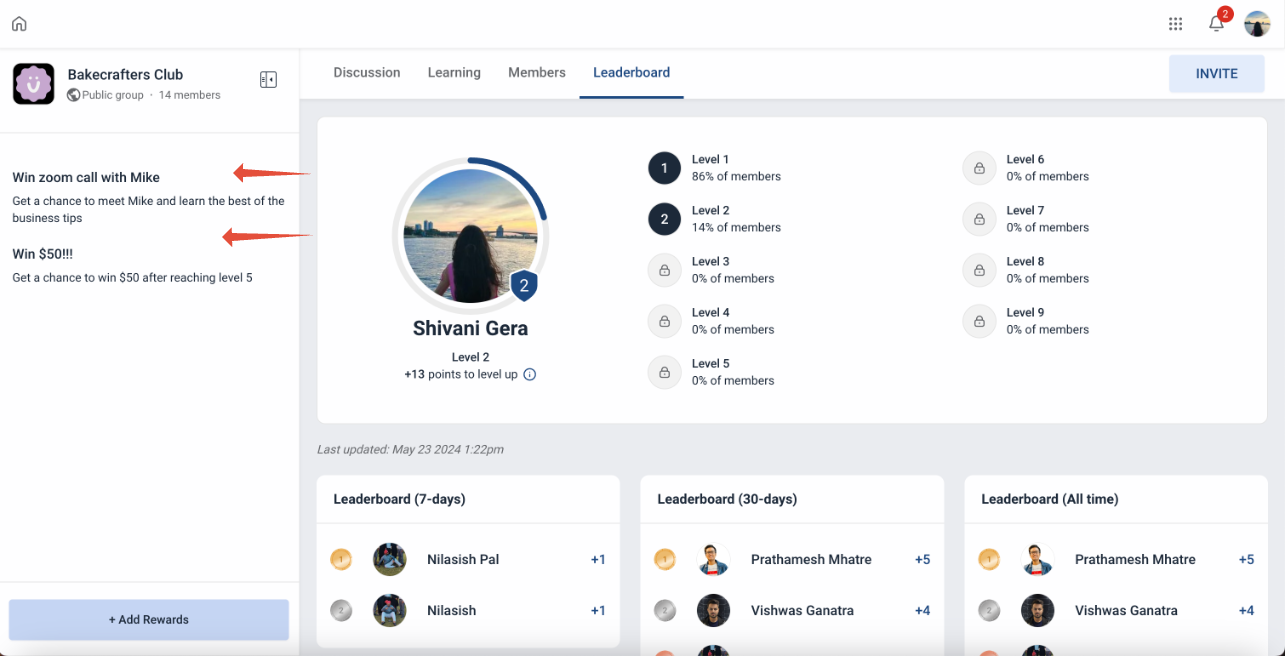
Users can also view leaderboards for the group they are currently in to see how their levels stacks up against other members. This will give a preview of which courses unlock at certain levels as well as the custom level names for each group.
You can find members who earned the highest points in the past 7 days, 30 days, and overall.
Rewards
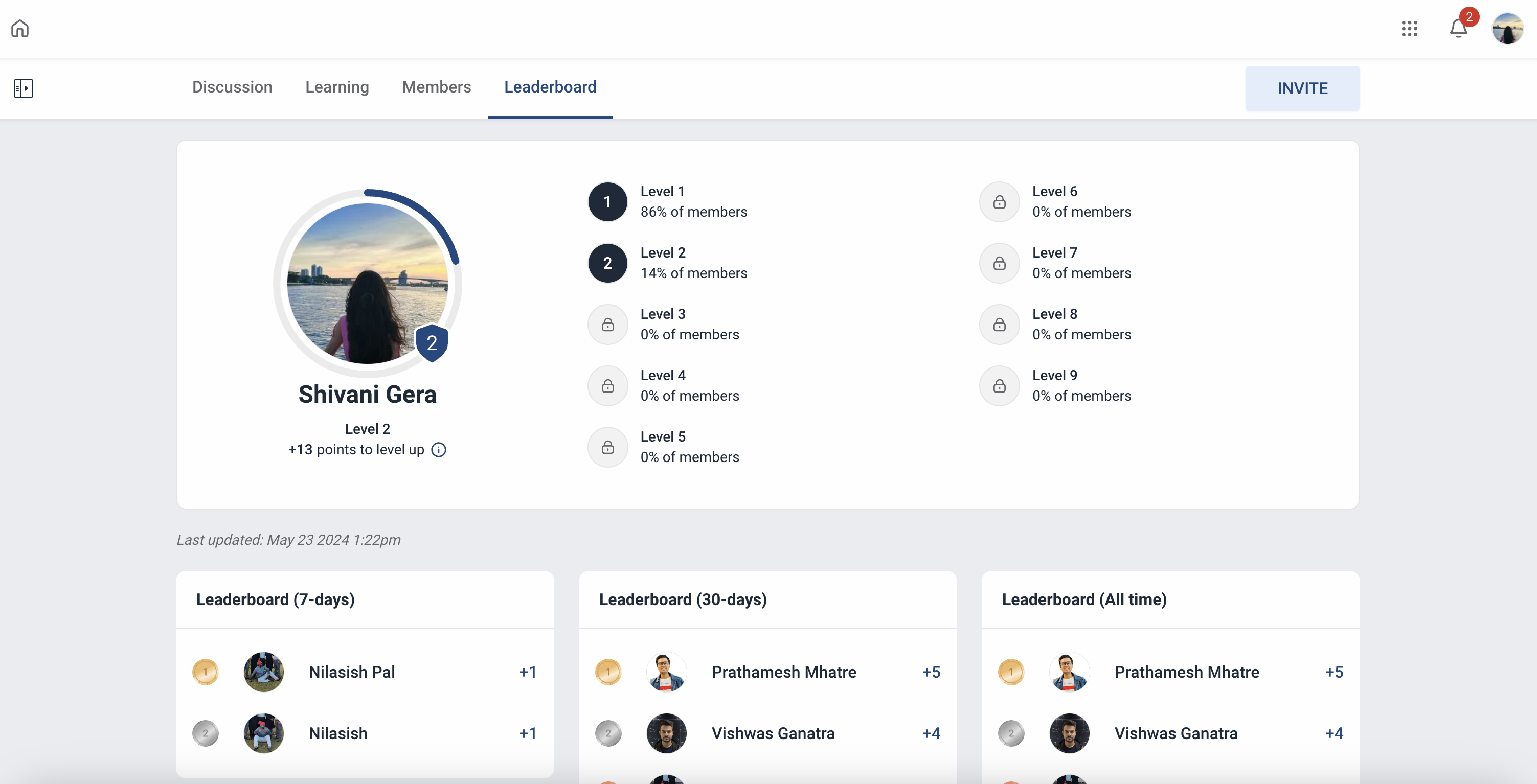
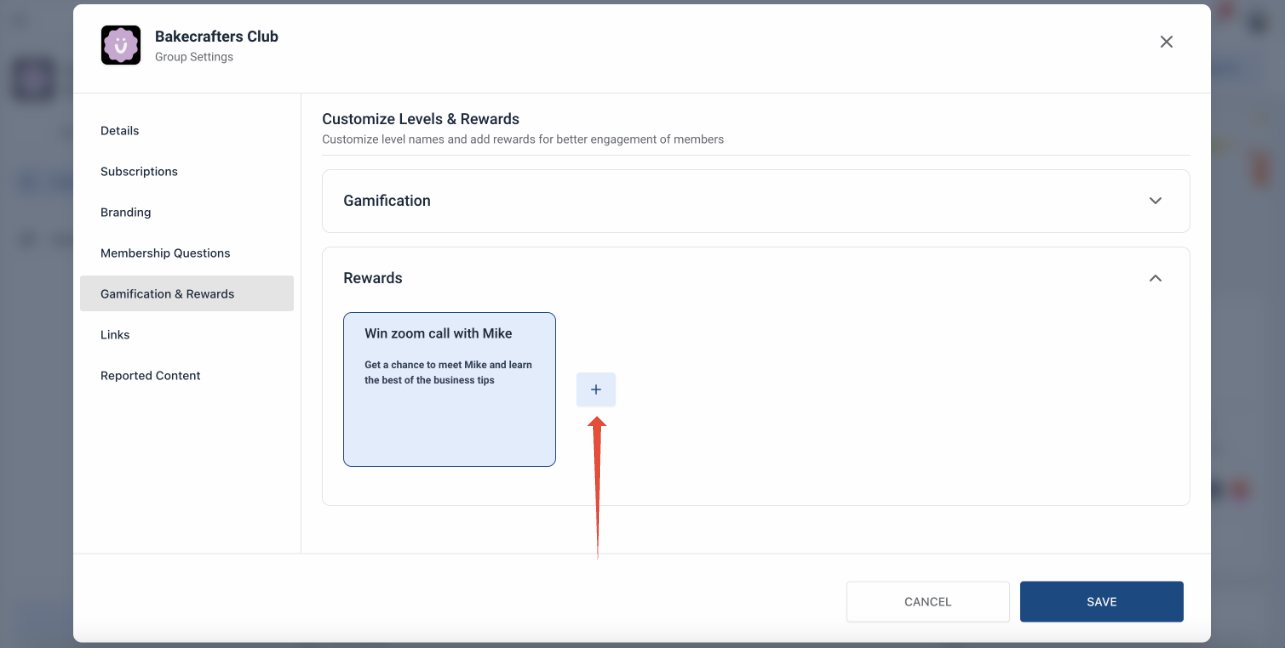
- Rewards - Group admins/ owners can choose to add offline rewards as texts. Maximum 3 rewards can be added. Example - Win $50 after reaching level 5.
- To add a reward (as an admin), go to Settings > Gamification & Rewards > Rewards.
- Once Rewards are added, they are reflected on the left nav bar inside the Leaderboard Tab.
Note that rewards cannot be linked to any gamification level as of now. All rewards added need to be managed offline.
More in Communities
- How to Setup, Customize, and Manage Your Communities
- How to Manage Members Inside groups
- Content Management in Communities
- Kajabi Importer: Easily Move Courses to the Platform
- Announcements Builder
- Share Meeting Recordings as Community Posts
- Communities Live Session Enhancements: Personal Meeting Links, Recordings Hub & Noise Cancellation
- How to Use GoKollab Chats for Direct Messages in Communities
- Tag Channels and Events in Community Posts
- Communities Workflow Triggers for Posts, Comments, Requests, and Events
- Post Creation Nudges in Communities
- Client Portal, Unified Dashboard, Courses & Communities